Home / Storage / Crucial / Crucial MX500
Crucial MX500 data recovery in Las Vegas
Recover your files from a failed Crucial MX500 with PC-3000 data recovery tools.
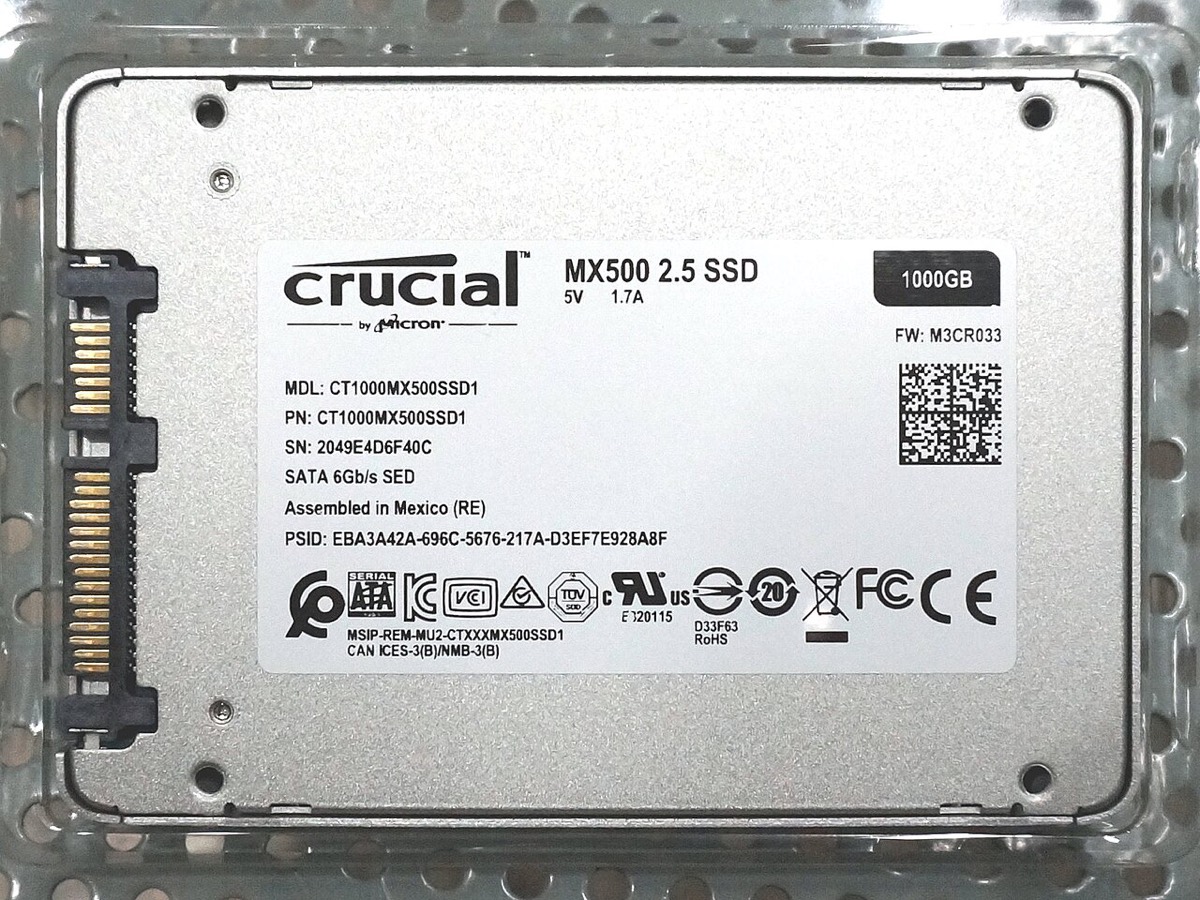

Can’t reach the files on your Crucial MX500? Crucial SSDs are popular upgrades, so they often hold years of files moved from an older computer. Bring it in for a free visual inspection and a quote.
Problems we recover from
- Drive not detected
- Shows the wrong size
- Files deleted by accident
- Drive locked in read-only mode
- Computer freezes at startup
- Failed after a power cut
- Firmware faults
- Corrupted partitions
Data recovery with PC-3000
SSD failures are different from hard drive failures, and many fail without warning. PC-3000 tools let us diagnose the drive and work on controller and firmware faults where the drive is supported.
Before you bring in your Crucial MX500
Switch it off and don’t run recovery software. The model and capacity are printed on the drive label. Please don't open the case to find it.