Home / Laptops / Alienware / Alienware x15 R1
Alienware x15 R1 repair in Las Vegas
Repairs for the Alienware x15 R1 (2021), including overheating and thermal repaste and fan replacement.
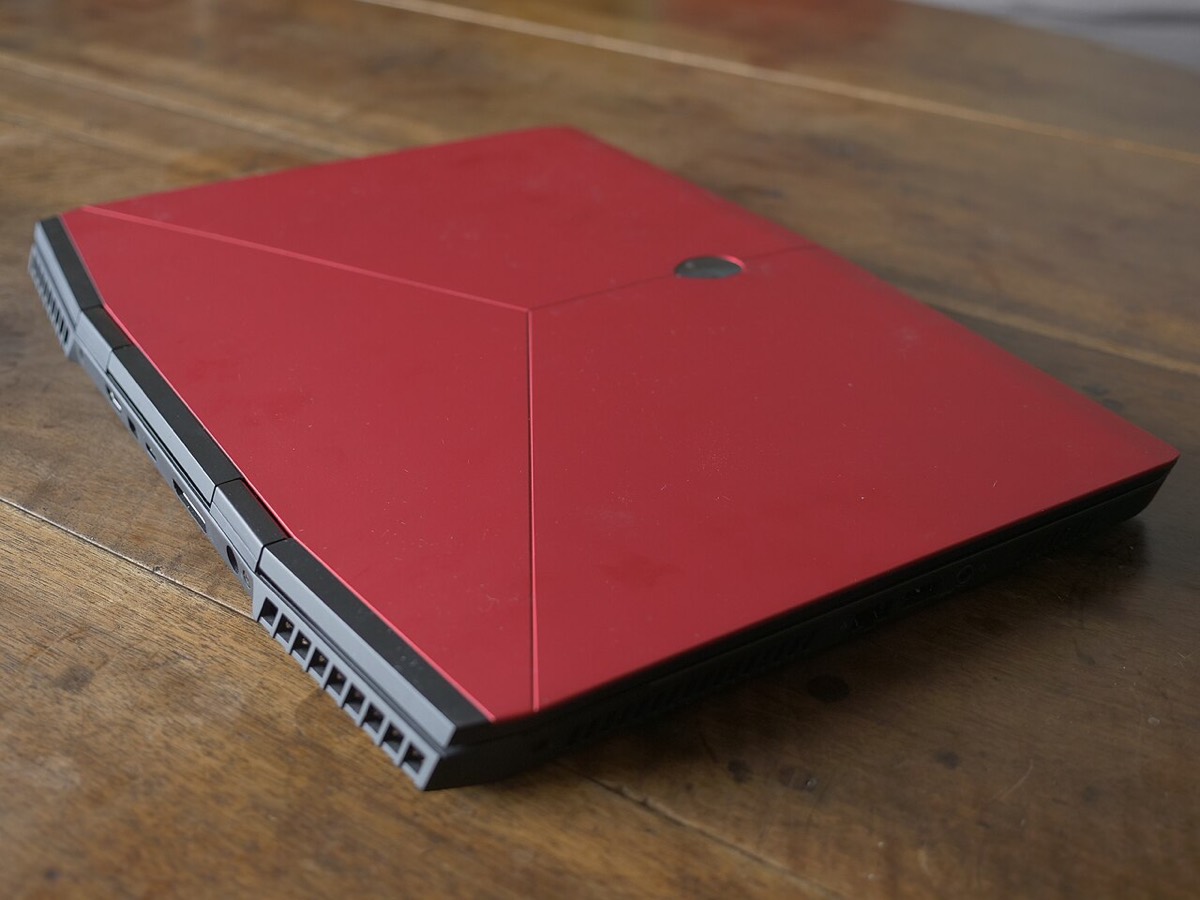

Need your Alienware x15 R1 fixed? Alienware laptops run powerful parts at high temperatures, so power delivery and cooling are the first things we check.
Common Alienware x15 R1 repairs
- Overheating and thermal repaste
- Fan replacement
- GPU and graphics faults
- Screen replacement
- Charging port and power faults
- Keyboard and RGB faults
- Battery replacement
- SSD and memory upgrades
What to expect from a 2021 gaming laptop
At around 5 years old, the battery has usually lost much of its capacity, and dust and dried thermal paste are often behind heat and noise. It’s also a good time to check the drive and back up.
Finding your exact model
Find the Service Tag on the label underneath or on the back of the system.
More help
We also offer upgrades where your configuration allows, onsite repair, and PC-3000 data recovery.